
Jumbotron - Notepad
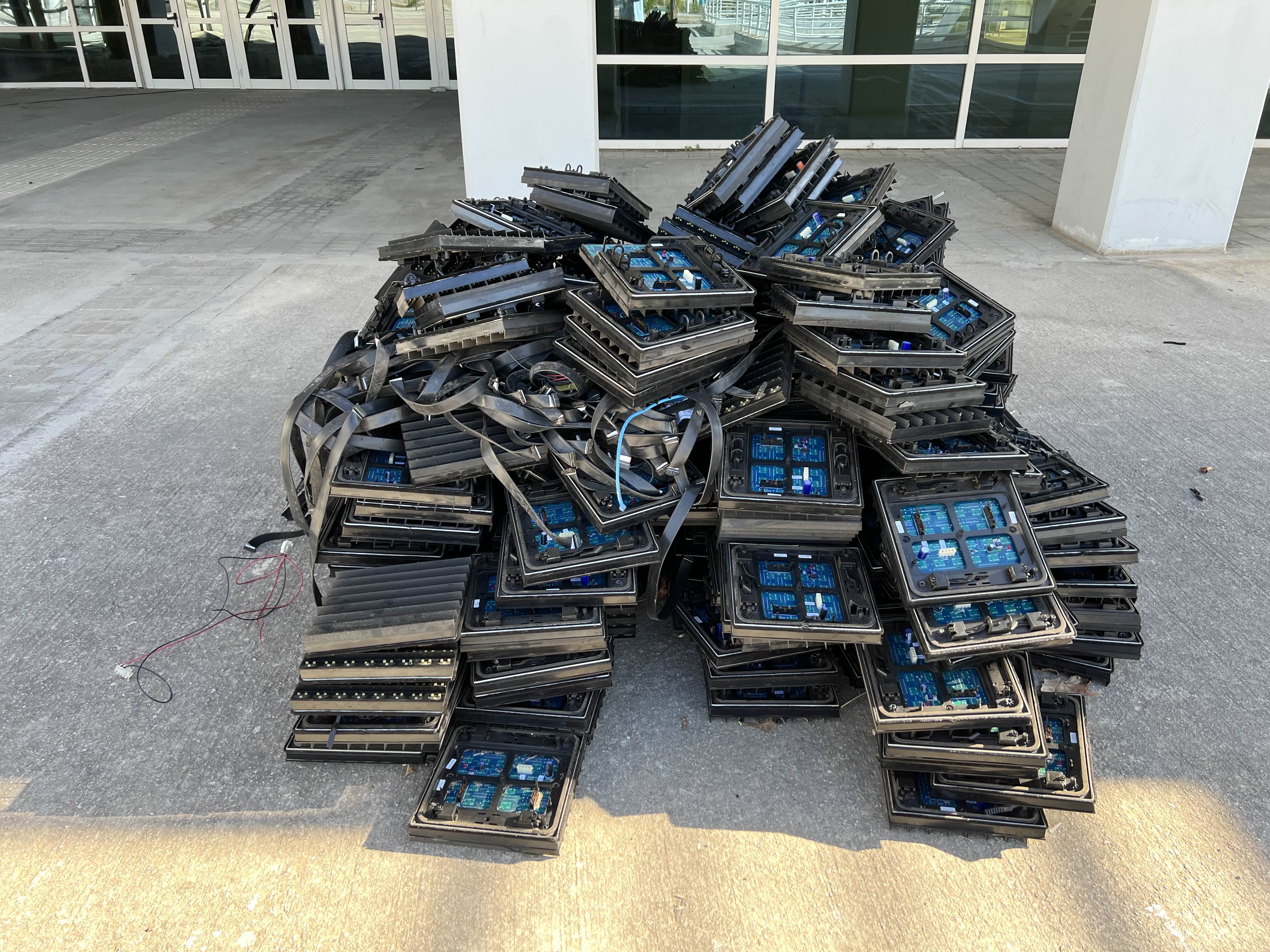
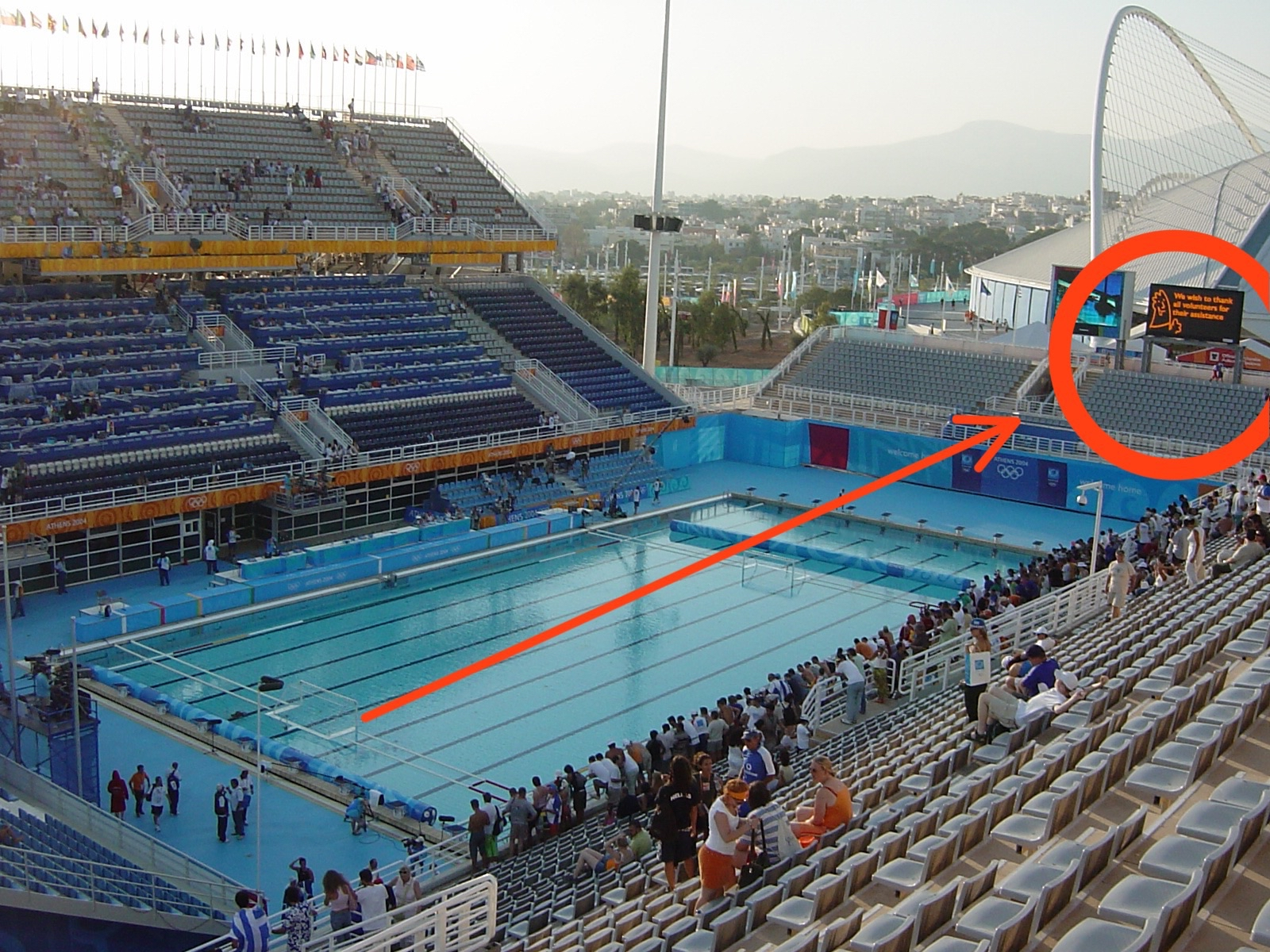
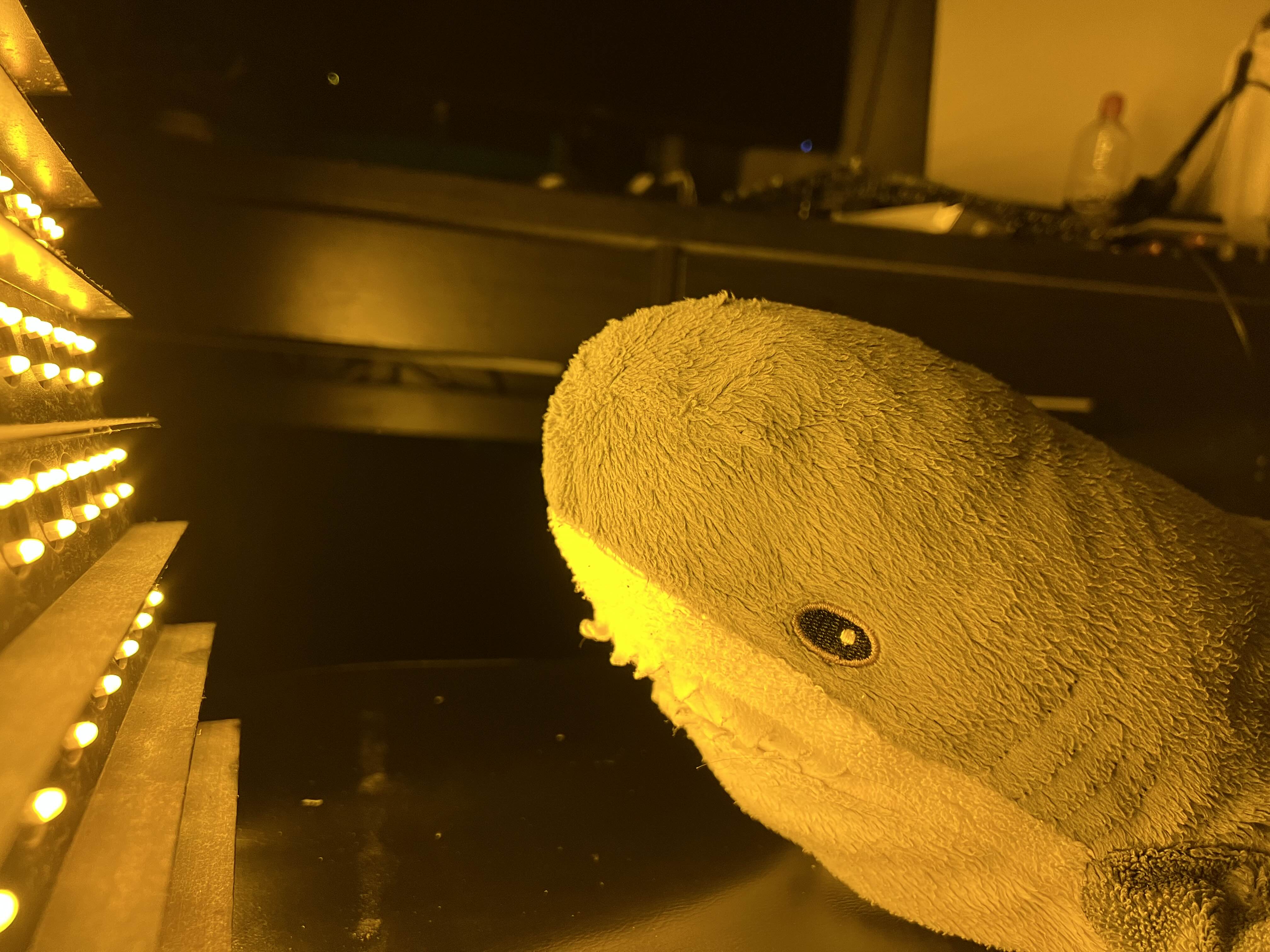
This project started when I found parts from a decommissioned scoreboard jumbotron used in the 2004 Olympic games. I decided to pick up a dozen panels and cables to try and make my own controller since I wasn’t able to find their original controller nearby and they were like $5,000 on ebay :I
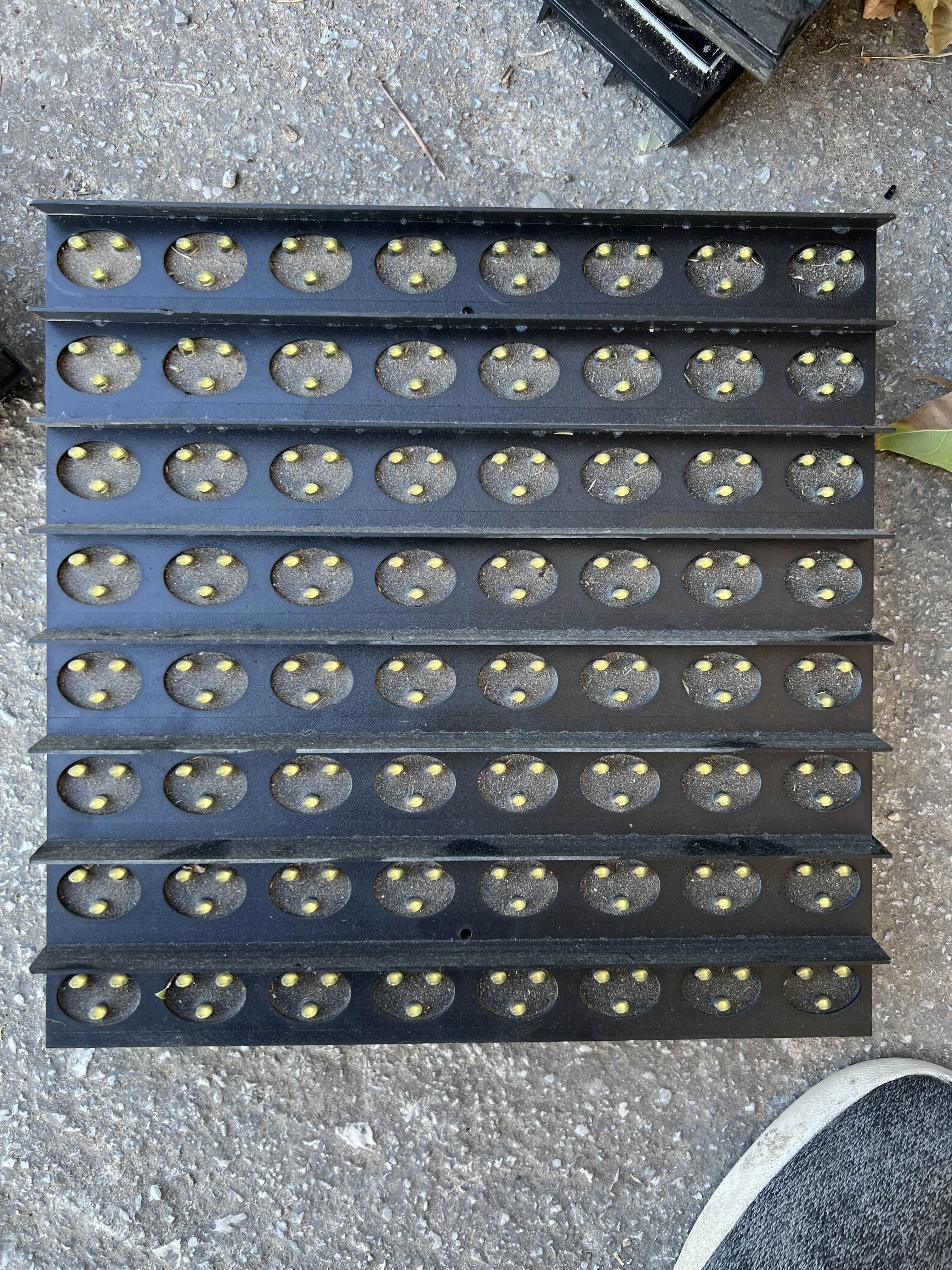
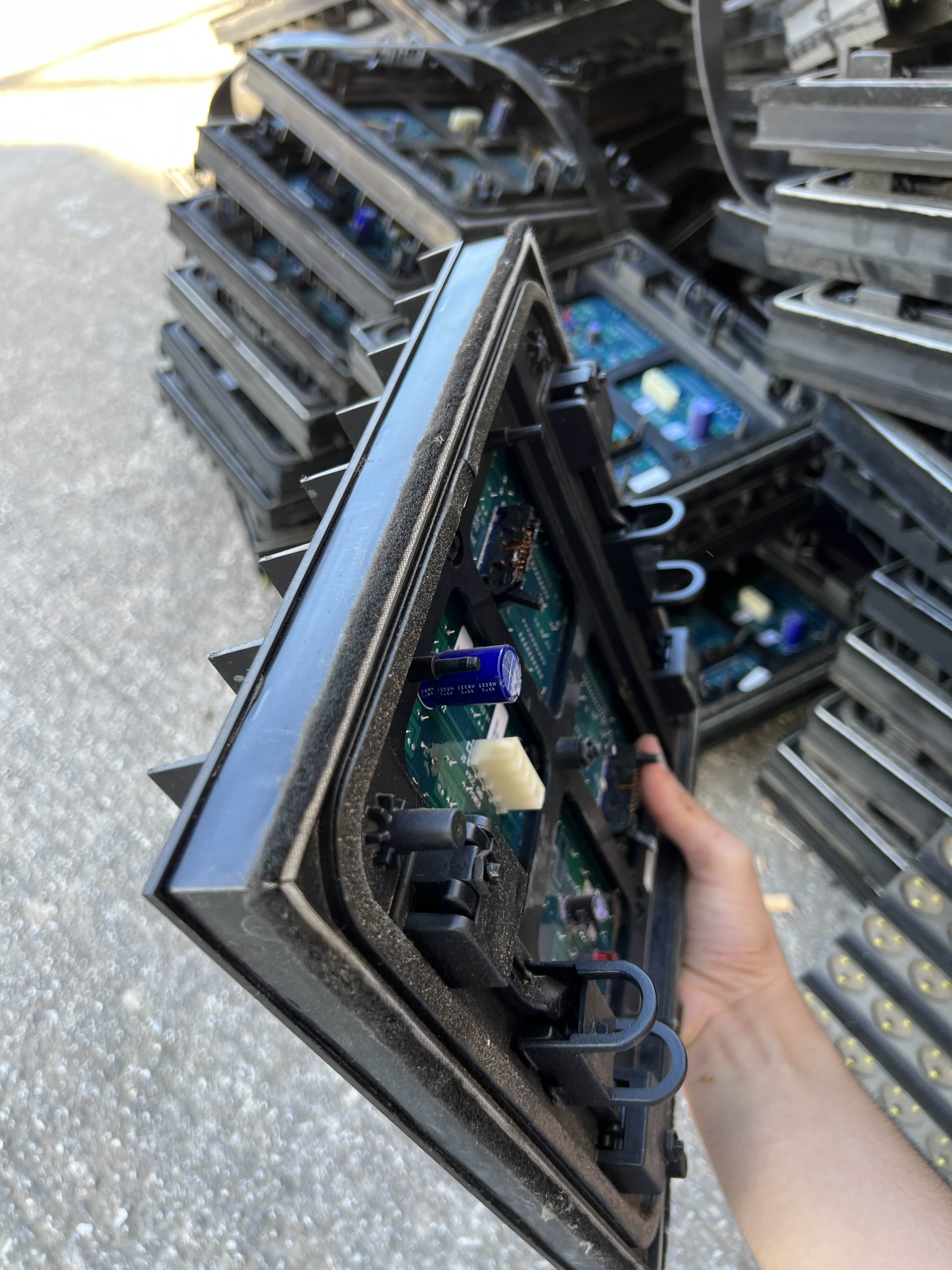
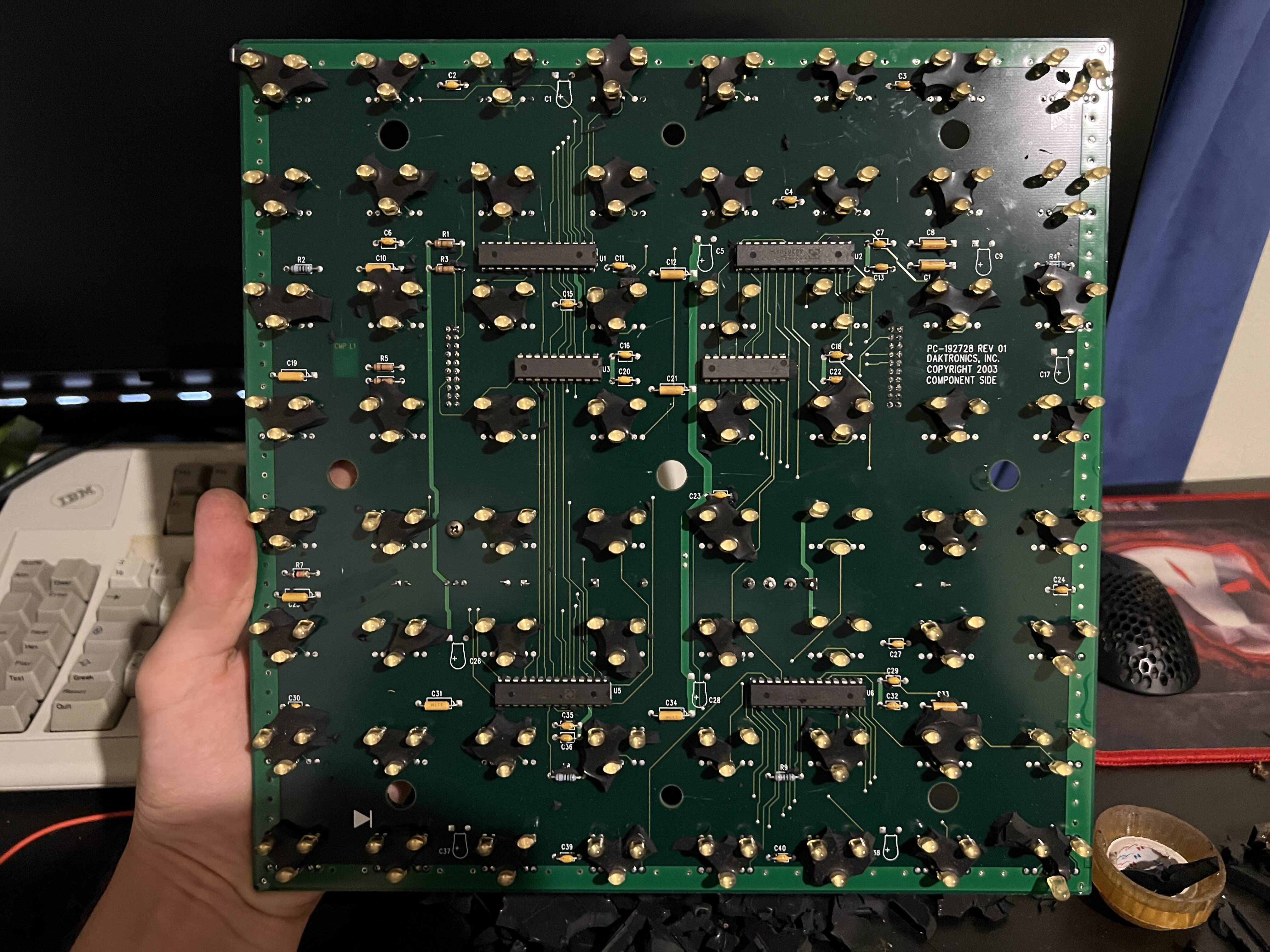
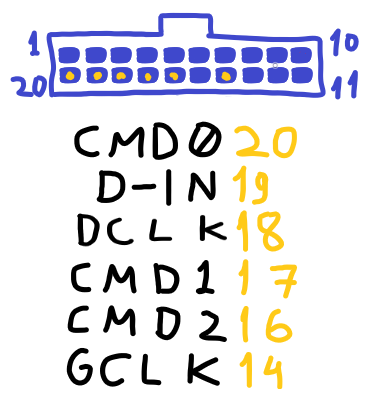
First things first I had to figure out what the panels were, who made them, if there were any docs online and most importantly how they worked. I wasn’t able to find any documentation from Dactronics, the original manufacturer however there was a Hackaday post by ccates on reverse engineering the color version of these panels you might want to read before this. By taking one of mine apart I was able to confirm they were using ST2226A 16 channel LED driver chips with 1024 PWM controlled brightness levels (fancy :O) to drive the LEDs and 74HC245’s to boost the signals going in and coming out of the panels just like OP’s. I probed around and found the input connector’s pinout.
My next issue was connecting the Pi Pico, a 3.3v CMOS microcontroller to the 5v TTL logic based LED panels. for this purpose I used a 74HCT245 level shifter and put it on a breadboard for testing.
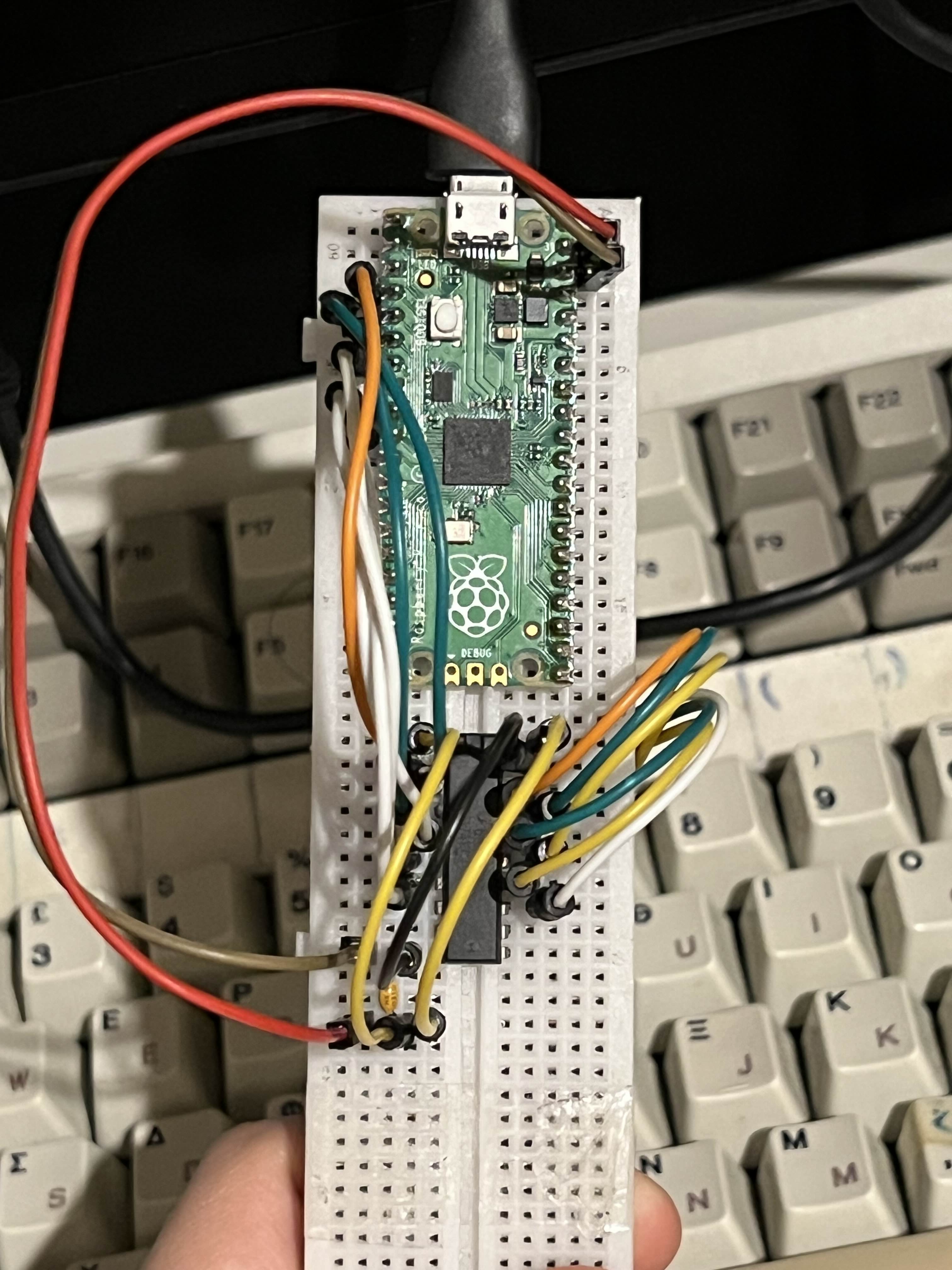
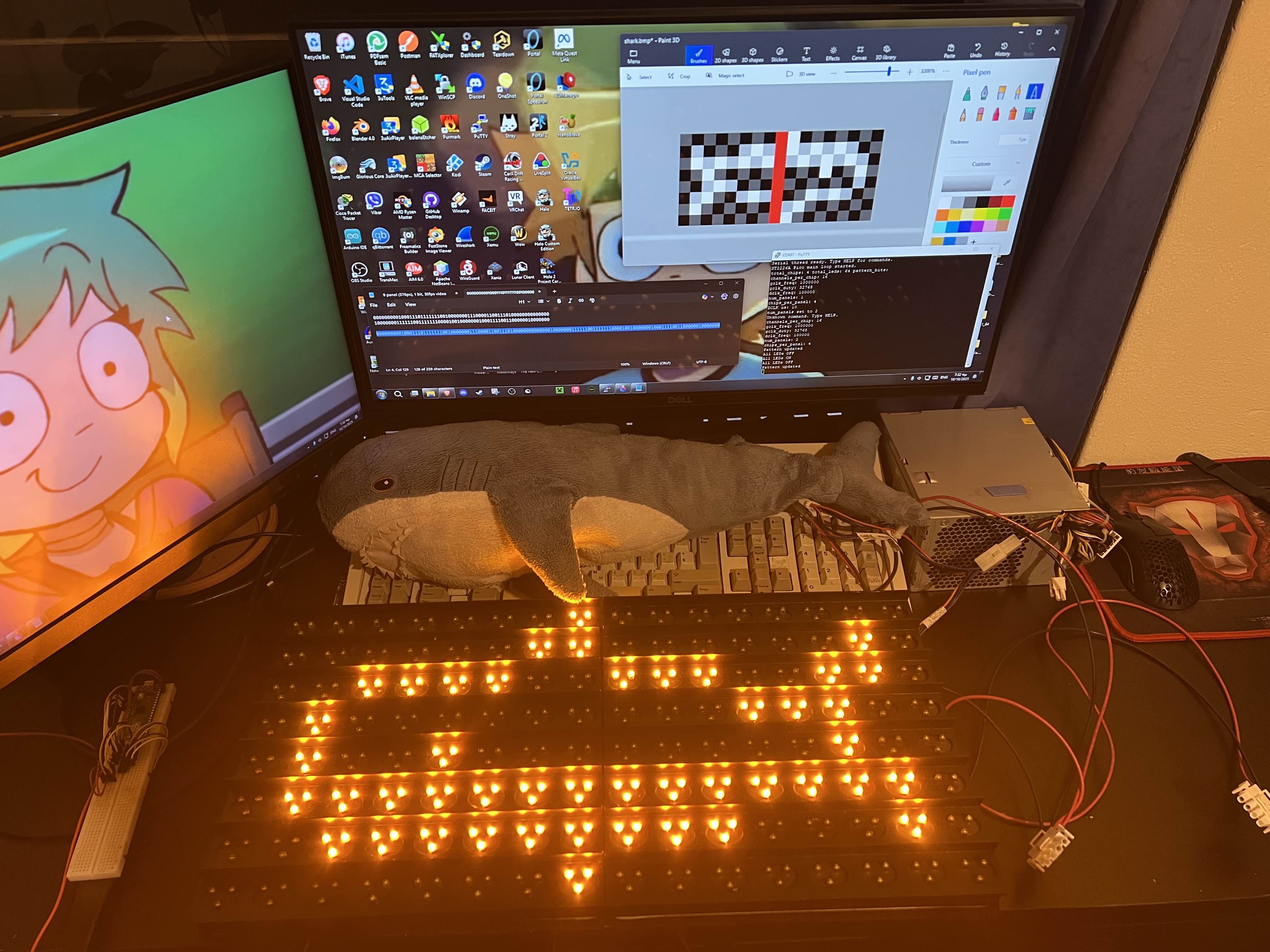
From there I was able to write a micropython firmware for my Pico using the ST2226A’s datasheet as reference. Getting the timings down is what took the longest. In the future I’d like to make the firmware handle high speed refreshes more gracefully to be able to play smooth animations and add a grayscale mode to take advantage of the ST2226A’s 1024 brighness levels. This will probably require rewriting the firmware to use PIO to toggle pins simultaniously or maybe even try making an FPGA based controller? The way you change settings or update what’s being is displayed is by sending commands via the serial port eg. set dclk_freq 100000 or pattern 101010101010101…
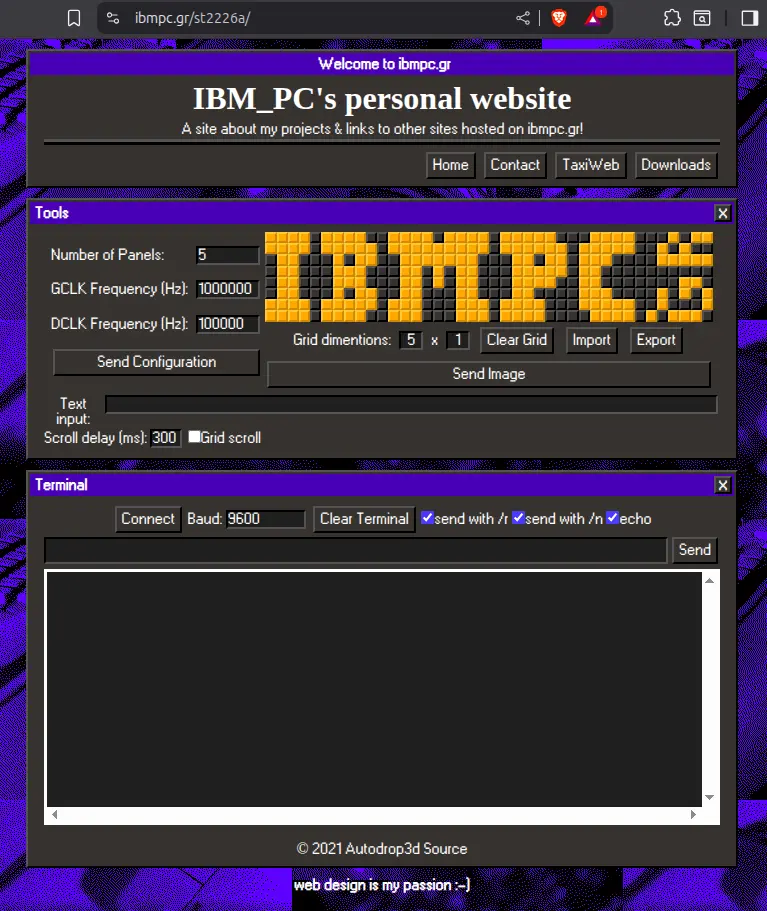
Lastly I needed a way to control the jumbotron from my pc. I looked into making a GUI with Python but in the end I decided to make a web ui and host it here. It was easy to style and add features to plus it’s always accessible from any browser with support for the SerialPort Web API (for now a Chromium exclusive) without needing to worry about dependencies, privileges, etc. To use it you can plug in the Pico, draw or import an image and click send!
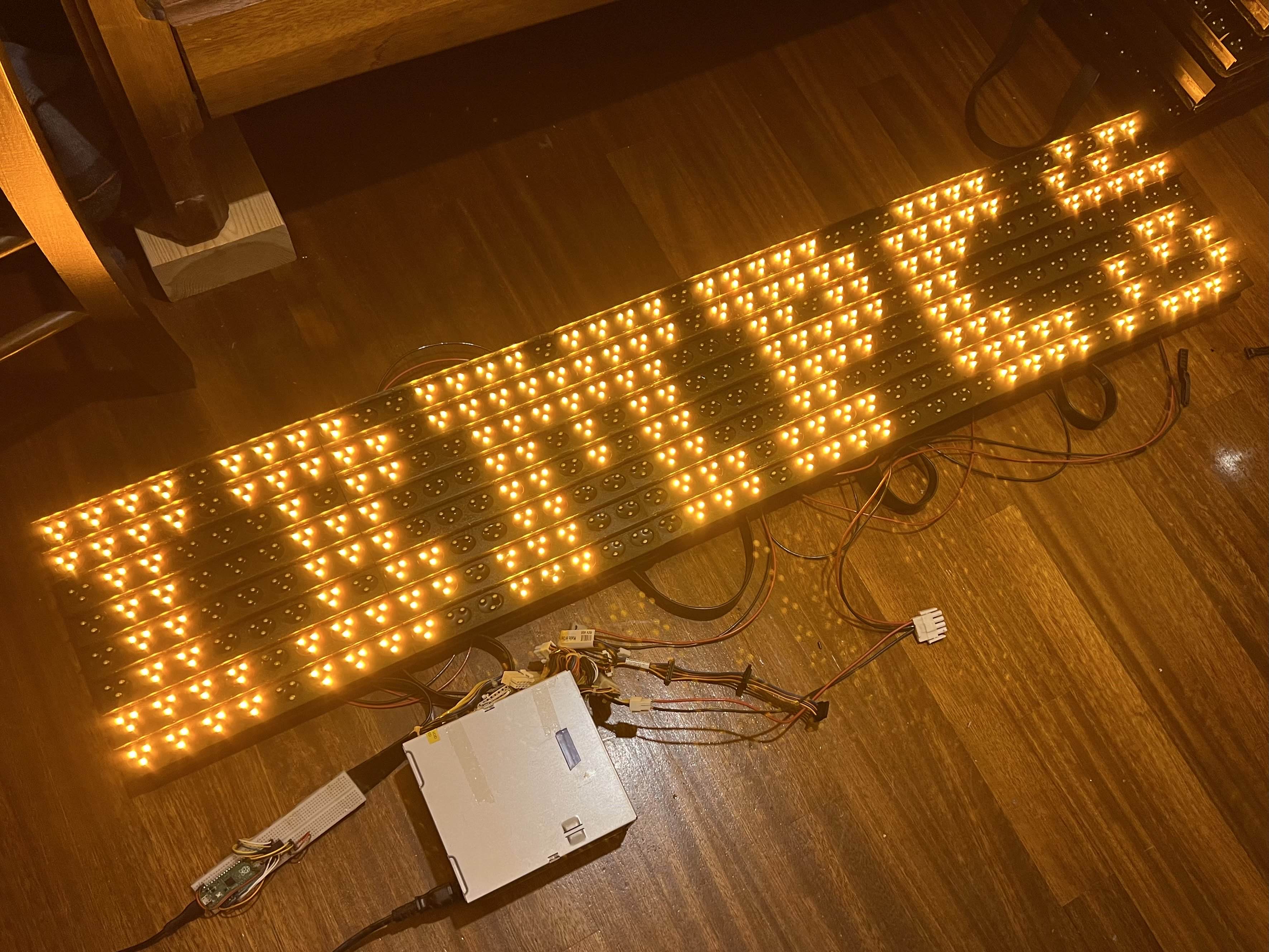
There’s a ton more I’m looking forward to doing on this project, this is just a proof of concept. Stay tuned :]